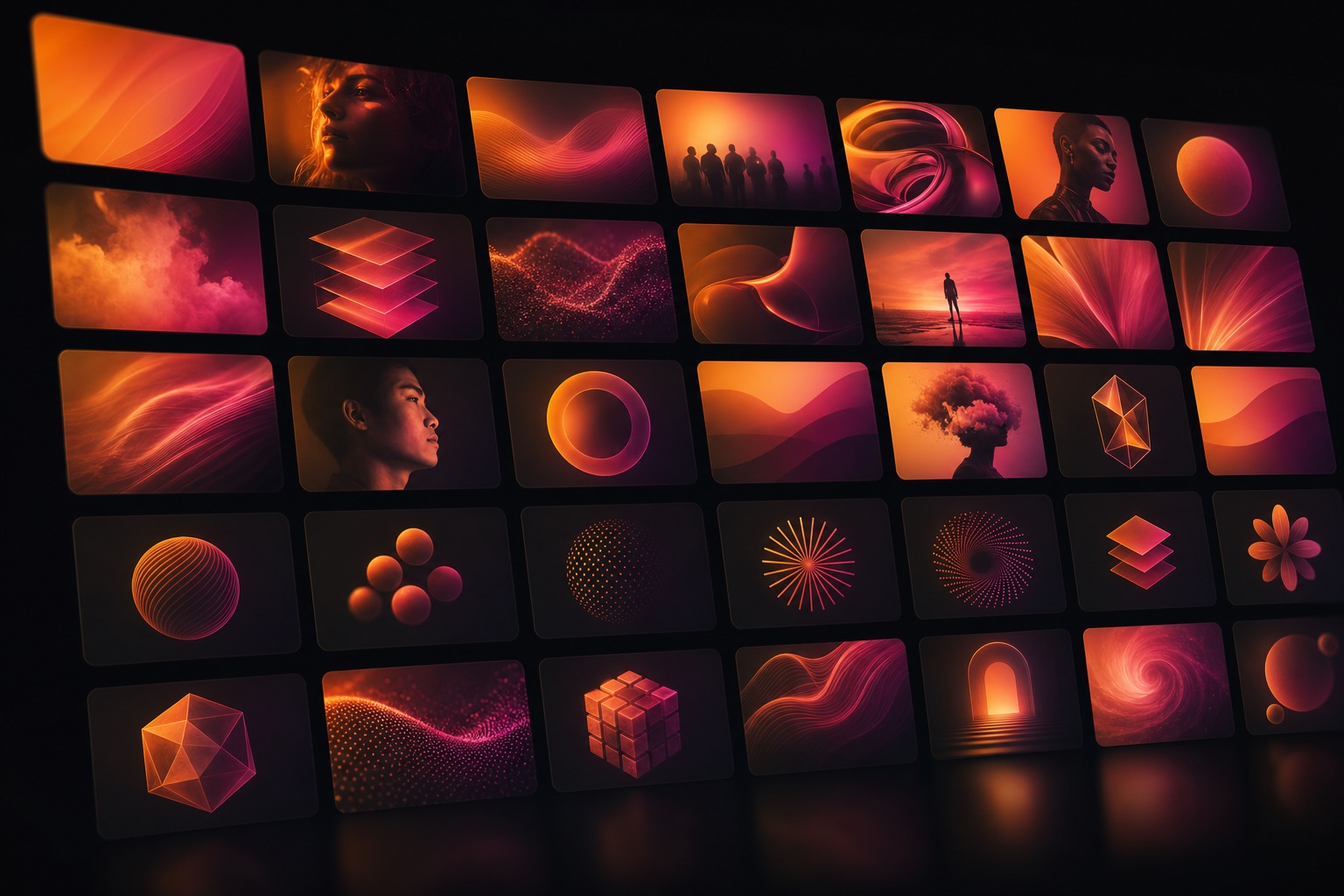
Generate on-brand images inside Claude Code with one command. The AI Image Engine Setup Kit installs a small tool that turns any prompt into finished artwork: hero images, slide art, social graphics, and transparent-background assets, all without leaving your workspace.
You have the ideas. This gives you the output. Once the kit is installed, every image you need is one sentence away.
Describe the image with your colors, mood, and style, and get a finished asset in seconds. Your brand language becomes part of the prompt.
Stop waiting on a designer or wrestling with stock sites for every slide, post, and page. Ship the visual the moment you need it.
The engine has an edit mode. Ask Claude to add a glow, swap the background, or produce four variants, and it runs the command for you.
Generate icons, marks, and cutout graphics with transparent backgrounds, ready to drop straight into a keynote slide or a web page.
The kit contains the imagegen command line tool, its README, and Claude-ready setup instructions. It is a lightweight Python tool with zero dependencies to install: it calls OpenAI's gpt-image-2 model and saves finished PNG, JPEG, or WebP files to your disk.
$ imagegen "a hero image for our leadership summit, dark background, warm gradient" --out hero.png requesting gpt-image-2 ... 1536x1024, high ✓ saved hero.png $ imagegen "a stylized flame icon, single color" --background transparent --out flame.png ✓ saved flame.png
Point Claude at the downloaded file and say "set this up." It unpacks and installs the tool for you.
Claude opens the key file. Paste your API key from your OpenAI account, and it stays on your machine.
Claude generates a test image and adds the tool to your CLAUDE.md so every future session can use it.
Tell us where to reach you and the download unlocks immediately. We will also send you setup tips and new tools as we release them.
Download the zip below, then drop it into Claude Code and say "set this up." You'll be generating images in about five minutes.
Download the kit